Organize your life and work on your own computer.
Free, no cloud — and helping the planet while you're at it.
Projects, tasks, roadmap, calendar and shopping list in a single app — one that runs entirely on your machine, with no account and no charge. And what it raises goes to the people bringing patches of land back to life around the world.
Linux · Windows — no card, no trial, no catch.
A Trello, Notion, Asana and Todoist alternative.
What Simple Life guarantees you
On your own computer
Everything you write stays in a file on your machine — one you can copy, keep or take away whenever you want. Works offline, with no account and no login.
Free, forever
No paid plan, no "trial period", no feature locked behind a paywall. Nothing here depends on you paying later.
And it helps the planet
No server running all day on your behalf — and what the app raises goes to projects bringing land back to life, through oazis.earth.
See how it works →From idea to task, without losing yourself in tabs
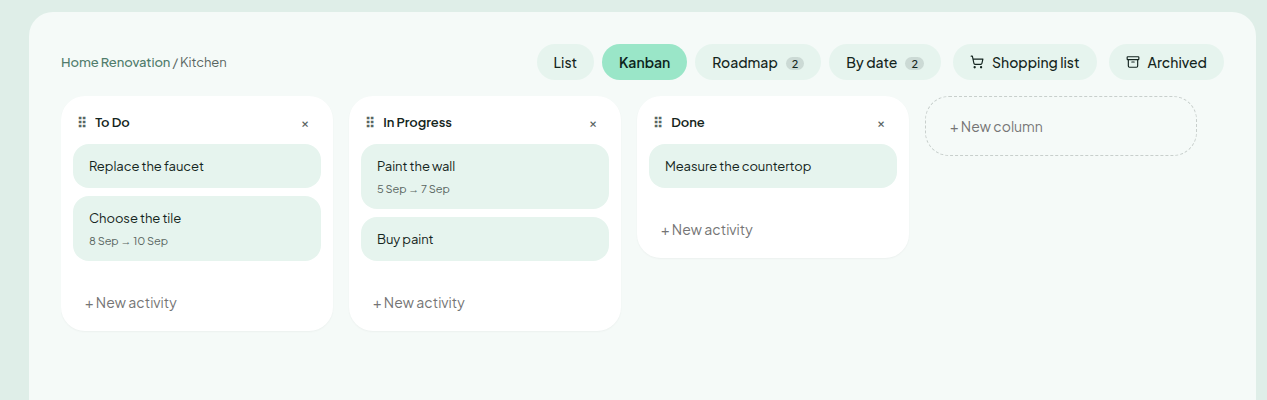
Each project becomes subprojects, and each subproject gets its own Kanban board. Drag cards between columns, set dates and priorities — all local, all instant.
- Drag and drop between columns, no stutter
- Card dates become Roadmap and Calendar on their own
- Instant search with Ctrl+K, from any screen
Your whole week, in one place
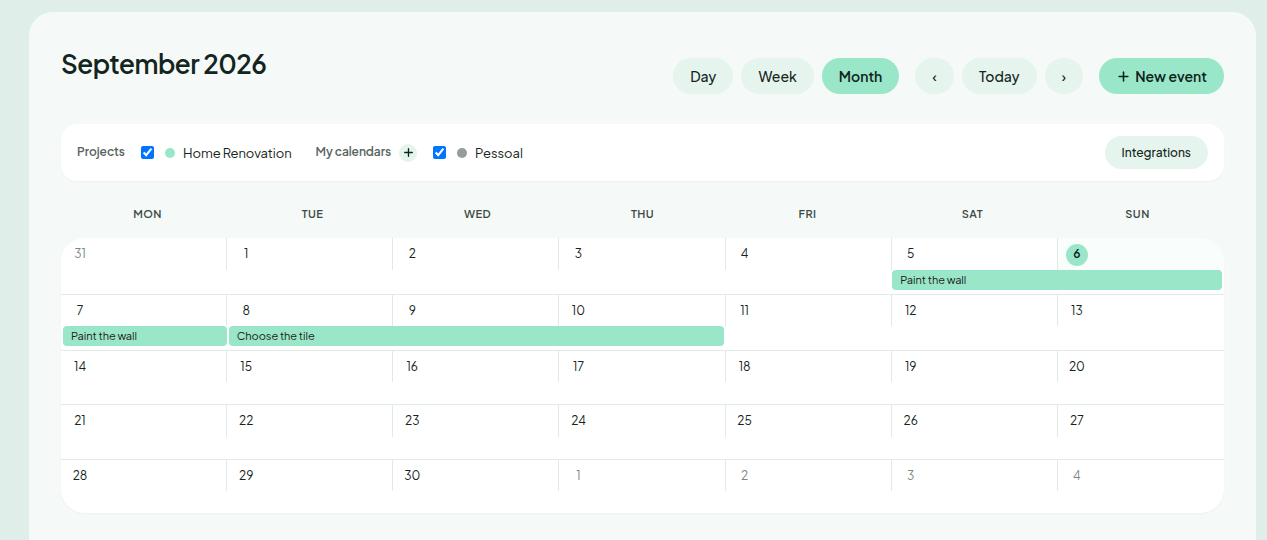
Every card with a date shows up automatically in the calendar view, pulling all your projects together — without copying anything twice.
- Views by day, week or month
- Drag the bar to adjust dates right there
- Filter by project when you want to focus
Buying helps regenerate too
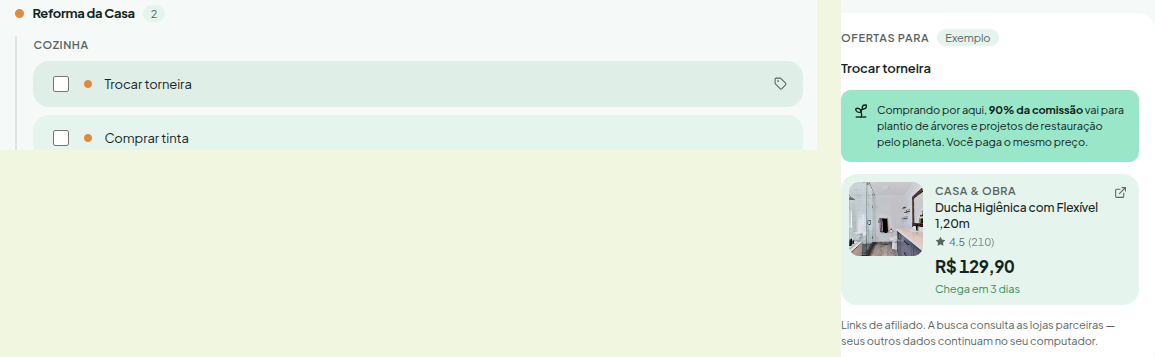
Mark a card or subtask as a shopping item and it shows up grouped by project. Hover to see offers from partner stores — without leaving the app.
- Grouped by project and subproject
- Partner store offers, only when you want to see them
- Most of the commission goes to restoring land
Every task the cloud processes has a server running all day long, waiting for you to open the app. Simple Life doesn't ask that of the planet — it's the greenest, most sustainable personal organization and planning app out there.
No constant syncing
Your data lives in a local file. Nothing is sent, checked or replicated on every click.
Local backup, no third party involved
Automatic snapshots stay on your own computer — restorable at any moment, without depending on another company.
Software that isn't asking to grow
No engagement metrics to maximize. The point is for you to close the app and go live the life you organized in it.
A network of land carers and regenerators
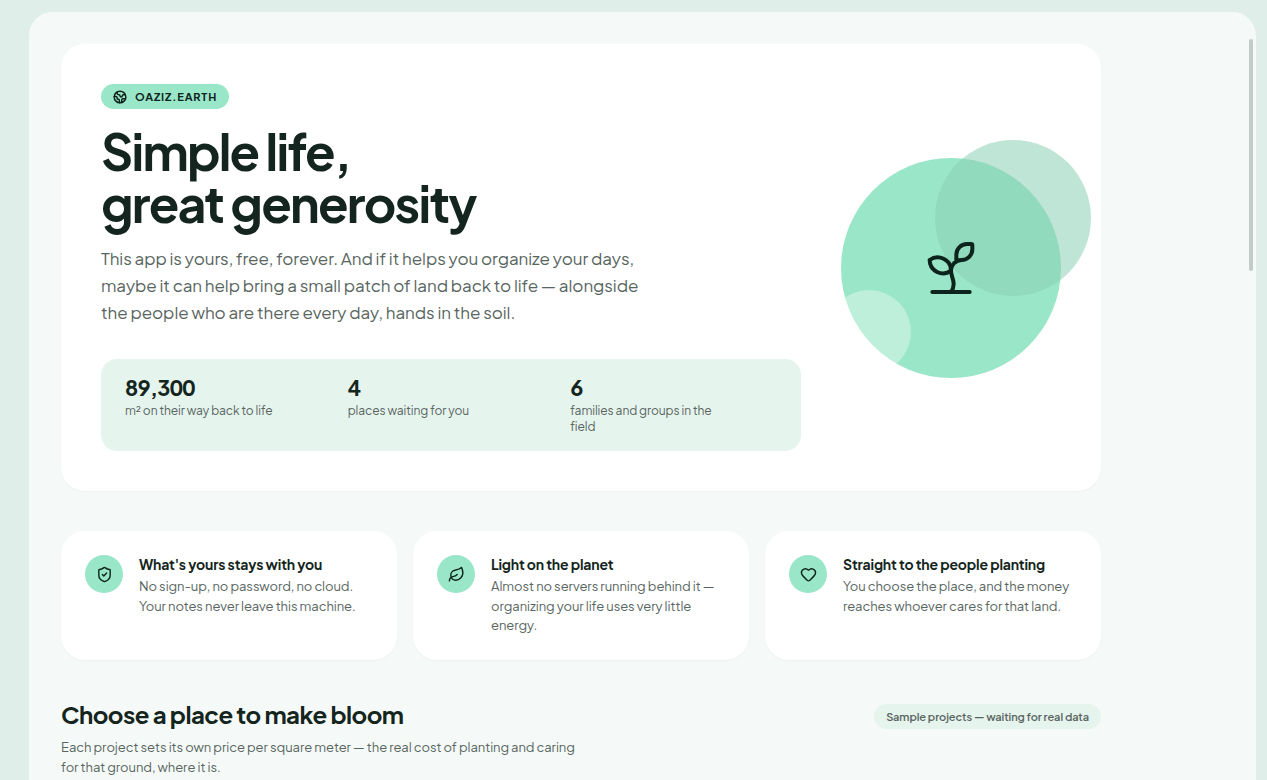
Simple Life is tied to oazis.earth: a way of turning your day-to-day organizing into direct support for the people planting, rebuilding soil and caring for patches of land around the world — families and groups doing it in practice, every day.

How it compares to Trello and Notion
Trello and Notion are great — they just live on their cloud, not on your machine. Here's the difference, no spin.
| Simple Life | Trello | Notion | |
|---|---|---|---|
| Requires an account | No | Yes | Yes |
| Where your data lives | On your computer | On their cloud | On their cloud |
| Works without internet | Yes | No | No |
Download for your system
Same version, same features, on any system — free, forever, no account and no cloud. Leave your email if you'd like to hear about updates; if not, that's fine too, just go ahead and download.
Linux
.deb · .AppImage · .rpm
100–148 MB, depending on the format
0 downloadsWindows
.exe installer
116 MB
0 downloads